
Audio to MIDI Converter: Turn Any Recording into MIDI
Drop a song, a melody or a voice memo and get an editable .mid file in seconds. This audio to MIDI converter runs an AI pitch-detection model right in your browser, so your audio never leaves your device. Free, unlimited and no account needed — made by MusicGenerator.so, the AI music generator.
Drop an audio file here to convert audio to MIDI
MP3, WAV, OGG, M4A, FLAC, AAC, AIFF, OPUS, WEBM · up to 10 minutes
Detection settings
100% in your browser: your audio is never uploaded. Powered by Spotify’s open-source Basic Pitch model (Apache-2.0).
How to convert audio to MIDI in 3 steps
- 1
Add your audio
Drop an MP3, WAV, FLAC, M4A or OGG file into the box, or press Record and sing, hum or play a melody into your microphone.
- 2
Let the AI find the notes
The audio to MIDI engine reads pitch, start time, length and loudness of every note it hears. A progress bar shows how far it has got.
- 3
Check and download the MIDI
See the notes on the piano roll, fine-tune the sliders if needed, then download a standard .mid file for your DAW or notation app.
Why use this audio to MIDI converter
What is audio to MIDI?
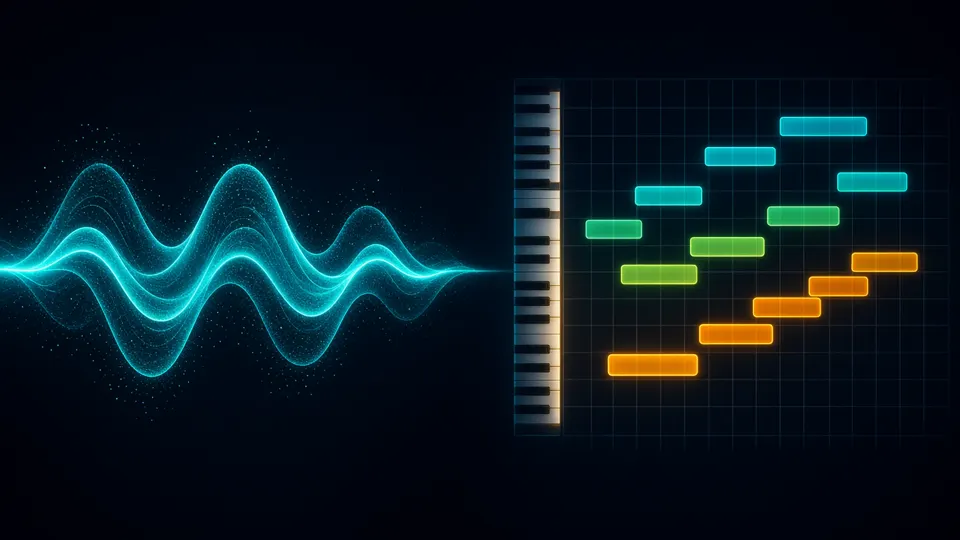
Audio to MIDI is the process of turning recorded sound into MIDI data. An audio file stores the sound wave itself; a MIDI file stores instructions — which note, when it starts, how long it lasts and how hard it is played. Audio to MIDI conversion works out those instructions from the recording, so you can edit, re-voice or notate the music.
Private by design
Most audio to MIDI tools upload your file to a server. This one doesn’t: the model is downloaded once and runs on your own device with WebGL, so unreleased songs and personal recordings stay with you.
Polyphonic, not just melodies
The audio to MIDI model can hear several notes at the same time, so chords on piano or guitar come through as chords — not only single-note lines. It also tracks pitch bends for vocals and slides.
Free and unlimited
There is no sign-up, no watermark and no daily limit. Convert audio to MIDI as often as you like, for files up to 10 minutes long.
Who it’s for
Producers
Pull a melody, bassline or chord progression out of a demo and replay it with any virtual instrument.
Songwriters
Hum or whistle an idea into the mic and keep it as audio to MIDI before you forget it.
Students & teachers
Turn a performance into notes to study it, or import the MIDI into notation software to make sheet music.
Remixers & beatmakers
Convert a sample or loop to MIDI, then change the key, tempo or sound without artefacts.
How audio to MIDI conversion works
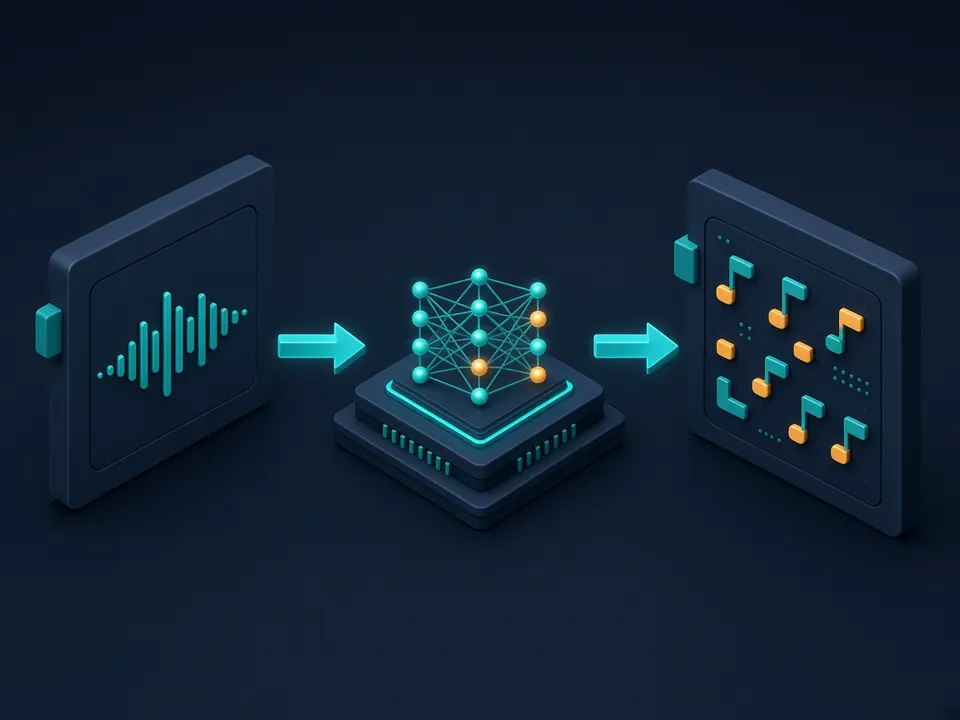
A MIDI file contains no sound at all — it is a list of notes. Getting from audio to MIDI therefore means listening to the recording and writing down what was played.
1. Decode and resample
Your file is decoded by the browser, mixed down to mono and resampled to 22.05 kHz, the rate the model was trained on.
2. Listen in small windows
A compact neural network (Spotify’s Basic Pitch) scans the audio in two-second windows and predicts, about 86 times per second, which of the 88 piano keys are starting and which are sounding.
3. Turn predictions into notes
Onsets start notes, sustained activity keeps them going. Your threshold settings decide how strict this step is, and very short notes are dropped.
4. Write the MIDI file
Each note gets its pitch, start time, duration, velocity and pitch bends, and is saved as a standard MIDI file that any DAW can open.
Audio to MIDI features
Runs on your device
The audio to MIDI conversion happens in your browser tab. Nothing is uploaded.
Polyphonic detection
Chords, piano voicings and guitar strums are transcribed note by note.
Adjustable sensitivity
Tune onset, sustain and minimum note length and see the result update live.
Record from your mic
Sing, hum, whistle or play — and convert the take to MIDI straight away.
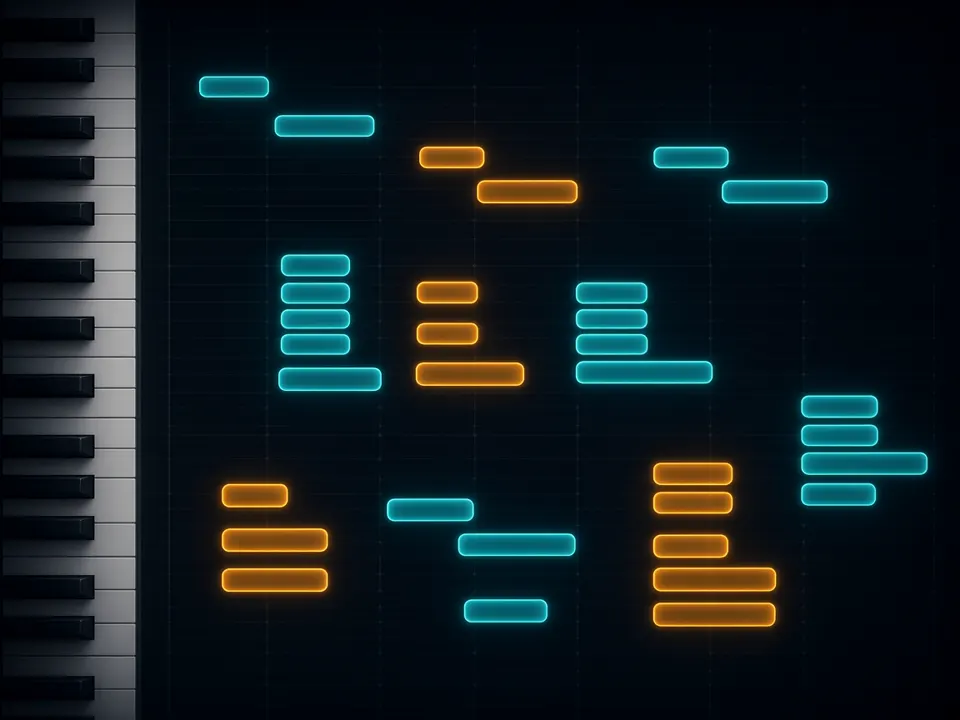
Piano roll preview
Check the detected notes visually before you download the audio to MIDI result.
Standard .mid output
Works in Ableton Live, FL Studio, Logic Pro, GarageBand, Cubase, Reaper and MuseScore.
Tips for the best audio to MIDI results
- Use one instrument or voice at a time. A solo piano, guitar, bass or vocal converts far more accurately than a full mix.
- Have a full song? Separate it first with our Vocal Remover, then run audio to MIDI on the vocal or instrumental stem.
- Choose clean, dry recordings. Heavy reverb, distortion and background noise create extra ghost notes.
- Too many stray notes? Raise the onset sensitivity and the minimum note length. Missing notes? Lower them.
- Drums are not pitched, so they don’t convert into useful notes — remove them before converting audio to MIDI.
- Quantise the MIDI in your DAW afterwards if you want everything locked to the grid; the file keeps the natural timing of the performance.
Supported formats for audio to MIDI
Anything your browser can play, this audio to MIDI converter can read.
| Input | Typical source | Notes |
|---|---|---|
| MP3 | Downloads, phone recordings | Most common; fine for audio to MIDI |
| WAV / AIFF | DAW exports, studio takes | Lossless — the best accuracy |
| FLAC | Lossless archives | Same quality as WAV, smaller |
| M4A / AAC | iPhone voice memos | Works directly, no conversion needed |
| OGG / OPUS / WEBM | Android, web recordings | Supported in most modern browsers |
| Microphone | Live singing or playing | Recorded in the page, up to 10 minutes |
Audio to MIDI options compared
There are three common ways to get from audio to MIDI. Here is how they differ.
| This free tool | DAW built-in | Paid cloud services | |
|---|---|---|---|
| Price | Free, unlimited | Included with the DAW | Subscription or credits |
| Uploads your audio | No | No | Yes |
| Polyphonic | Yes | Depends on the DAW | Usually |
| Install needed | No | Yes | No |
| Live threshold tuning | Yes | Limited | Varies |
Go beyond audio to MIDI with MusicGenerator.so
Got the notes — now need a full track? MusicGenerator.so is an AI music generator that turns a text prompt or your own lyrics into a complete song with vocals or an instrumental, in any genre. Use audio to MIDI to capture ideas, and the generator to finish them.
- Full songs with vocals from one prompt
- Instrumentals and AI covers in any style
- Vocal Remover and Song Lyrics Generator included
- Commercial license on paid plans
Basic Pitch is an open-source model by Spotify, used under the Apache-2.0 license. MusicGenerator.so is not affiliated with Spotify.
Frequently asked questions
More free AI music tools
Turn your MIDI into a finished song
Use audio to MIDI to capture the notes, then let MusicGenerator.so — the AI music generator — build a full track around them.
Last updated October 2026.