
Noise Generator: White, Pink & Brown Noise Online
Press play and this free noise generator creates white noise, pink noise, brown noise and four more noise colors live in your browser. Mix layers, shape the tone with low-pass and high-pass filters, set a sleep timer, and download a WAV file of any length — nothing is uploaded and there is no account to create.
Play noise
Pink noise







Generated on your device with the Web Audio API. Nothing is uploaded.
How to use the noise generator in 3 steps
- 1
Pick a noise color or preset
Tick white, pink, brown, blue, violet, grey or green noise, or start from a preset such as Sleep, Focus or Tinnitus.
- 2
Mix and shape the sound
Press Play, set each layer’s volume, and use the low-pass and high-pass filters to make the noise darker or brighter.
- 3
Set a timer or download
Choose a sleep timer that fades out on its own, or export a WAV of 30 seconds to 10 minutes from the noise generator.
What is a noise generator?
A noise generator, explained
A noise generator is a tool that produces random sound spread across many frequencies at once. Because no single pitch stands out, the brain stops paying attention to it quickly, which is why steady noise is used to mask voices, traffic and other distractions. Our online noise generator computes every sample with the Web Audio API on your device instead of streaming a recording.
What the color of noise means
The color describes how energy is spread across the spectrum. White noise has equal power at every frequency; pink noise falls 3 dB per octave; brown noise falls 6 dB per octave; blue and violet noise rise instead. Grey noise is shaped so it sounds equally loud to human hearing, and green noise focuses on the middle of the range.
Generated, not looped from a file
Many sites play a short MP3 on repeat. This noise generator synthesizes fresh, decorrelated noise for the left and right channels and crossfades the loop point, so there is no audible seam, no buffering and almost no data use once the page has loaded.
A free noise generator with pro controls
Layer several colors, filter the low and high end, watch the live spectrum, and render a WAV offline at 44.1 kHz/16-bit for a DAW, a bedside speaker or a sound test. It is free, works on desktop and mobile, and needs no download or sign-up.
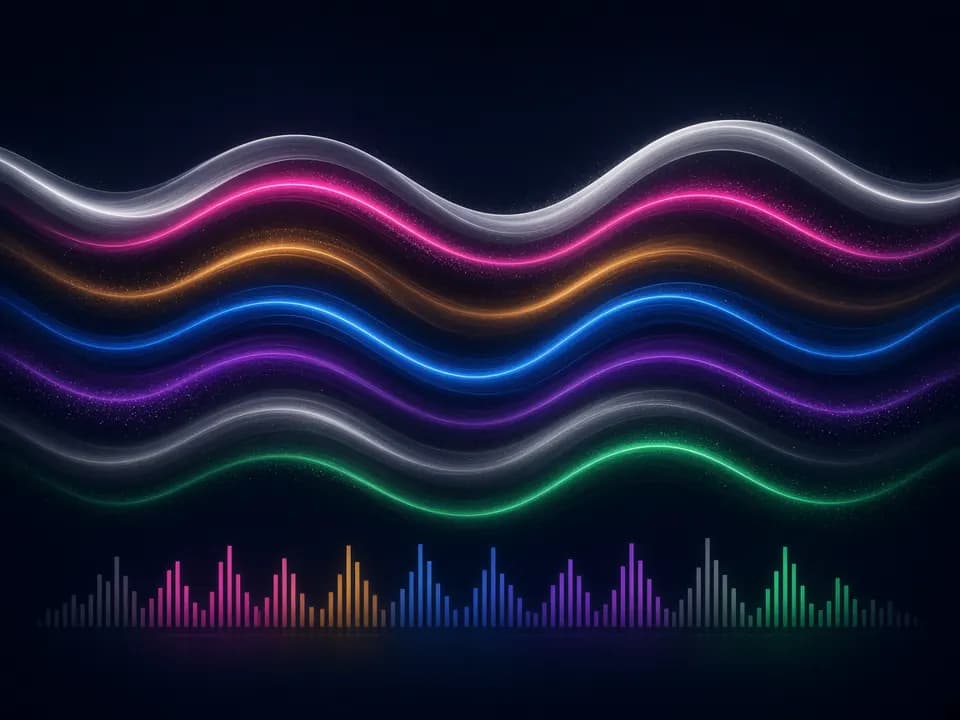
Who uses a noise generator?
Sleep
Brown or pink noise from the noise generator covers snoring, traffic and late-night sounds; the timer fades out gently.
Focus and study
A quiet layer of pink and brown noise smooths out office chatter and helps you stay on task.
Tinnitus relief
Blue, white or grey noise played just below the ringing can make tinnitus less noticeable. Not a medical treatment.
Audio and studio testing
Pink noise is the standard signal for speaker placement, room checks and gain staging; white noise checks full-range response.
Noise colors explained: white, pink, brown and more
Every layer in the noise generator is a different color of noise. Use this table to pick the one that fits.
| Noise color | Spectrum | Sounds like | Best for |
|---|---|---|---|
| White noise | Flat (0 dB/octave) | TV static, a hissing fan | Masking speech, baby sleep, full-range tests |
| Pink noise | −3 dB/octave | Steady rain, wind in leaves | Sleep, focus, speaker calibration |
| Brown noise | −6 dB/octave | Waterfall, distant thunder, plane cabin | Deep sleep, ADHD-style focus, low rumble masking |
| Blue noise | +3 dB/octave | Water spray, crisp hiss | High-pitched tinnitus, dithering |
| Violet noise | +6 dB/octave | Fine sizzle, steam | Very high tinnitus, tweeter checks |
| Grey noise | Inverse equal-loudness | Even, balanced hiss | Perceptually balanced masking, hearing research |
| Green noise | Mid band ~500 Hz | Soft ocean or nature ambience | Relaxation, calm background |
Where a noise generator helps most
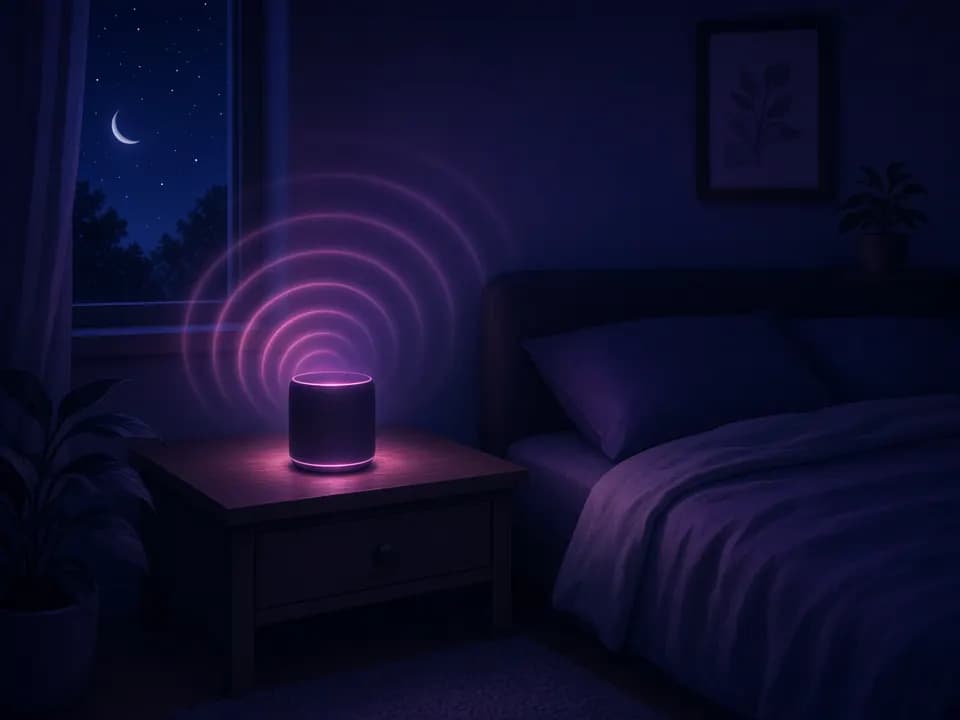
Noise generator for sleep
Consistent sound hides the sudden changes that wake you. Start with the Sleep preset (brown + pink noise, softened by the low-pass filter) and set a 30-minute or 8-hour timer. Keep the speaker away from your pillow and the volume around the level of a quiet shower.
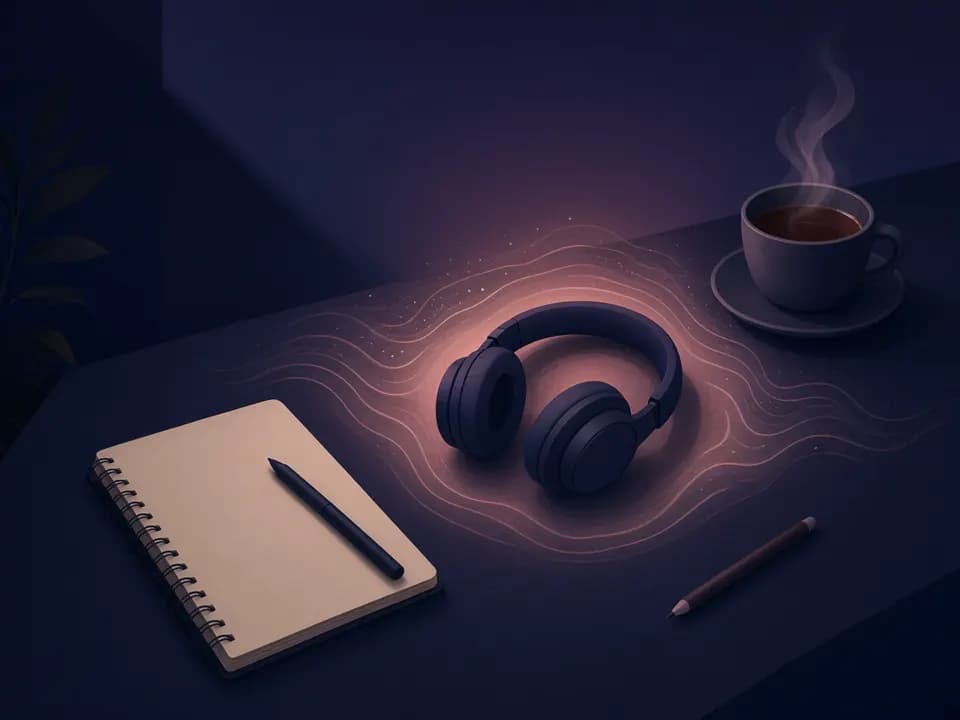
Noise generator for focus and study
Background noise reduces the contrast between silence and interruptions such as voices or keyboard clicks. Many people find pink or brown noise less tiring than white noise during long work sessions; try the Focus preset and lower the master volume until you barely notice it.
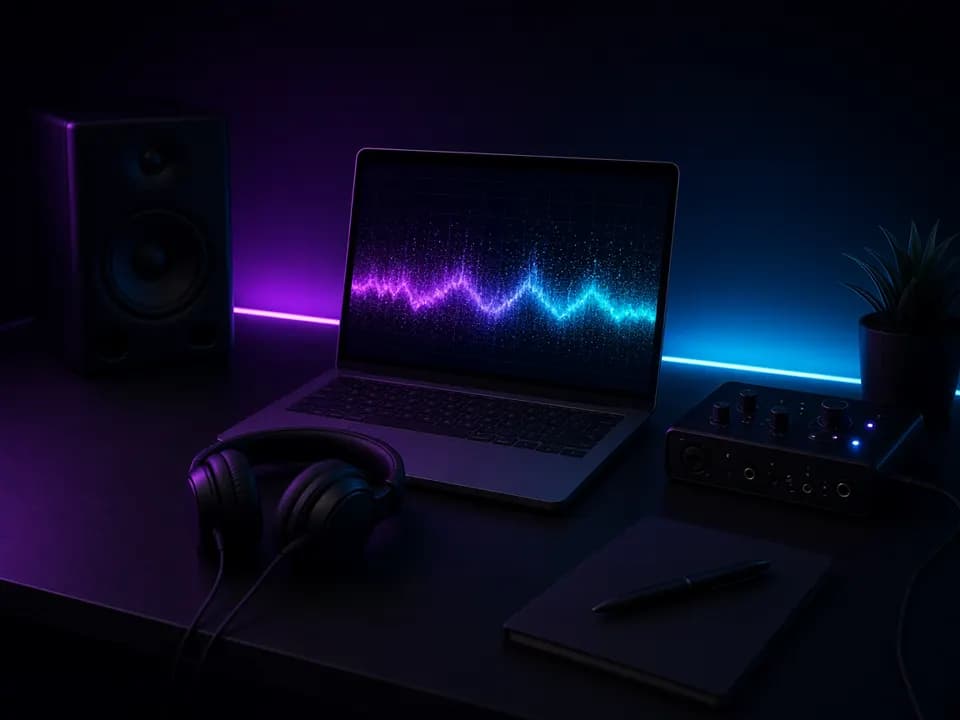
Noise generator for audio testing
Pink noise has equal energy per octave, which makes it the go-to test signal for speaker placement, EQ and room checks with a spectrum analyzer. Export a 60-second WAV, import it into your DAW, and use white or violet noise to check tweeters and high-frequency response.
Noise generator tips for safe, comfortable listening
- Start quiet: set the noise generator just loud enough to cover what bothers you — you should be able to talk over it.
- For babies, keep noise below about 50 dB and place the speaker at least 2 m (7 ft) from the crib.
- If white noise feels harsh, switch to pink or brown noise, or lower the low-pass filter to remove the hiss.
- For tinnitus, play noise just below the loudness of the ringing, not above it, and talk to an audiologist about sound therapy.
- Use the sleep timer so the noise generator fades out instead of running all night at full volume.
- Prefer speakers to earbuds overnight, and take listening breaks with headphones.
More than noise? Make music with MusicGenerator.so
A noise generator gives you a steady background. When you want an original lo-fi track, a calm piano piece or a full song with vocals, MusicGenerator.so is an AI music generator that turns a short prompt into music in seconds.
Open the AI Music GeneratorNoise generator FAQ
More free AI music tools
Ready to try the noise generator?
Mix white, pink and brown noise in seconds, then turn your ideas into full songs with the AI music generator.
Last updated October 2026.