
Happy Day
Soft country · peaceful
Upload a photo and the photo to music AI reads its scene, light, colours and mood, writes a matching music prompt and generates an original song — sung, or as background music. Built into MusicGenerator.so, the AI music generator.
What should the photo become?
Sign in, then choose a JPG, PNG or WebP photo (up to 5 MB) below. The photo to music AI fills in the prompt — edit it if you like, then press Create. Each run returns two takes.
Choose a JPG, PNG or WebP image up to 5 MB. A clear scene with a strong mood gives the photo to music AI the most to work with — that is the whole idea of photo to music.
The AI vision model describes the picture as music — genre, mood, instruments and a title. Edit any of it before you generate.
Press Create. Photo to music generation returns two takes you can play, download, extend or split into stems in your library.
Photo to music is AI that turns an image into an original song. It reads the place, light, colours, era and energy of a picture, chooses a matching style, and generates the music from that description.
Pick Song with vocals for a sung track with lyrics inspired by the photo, or Instrumental for background music under a slideshow, reel or video.
The photo to music AI only writes a starting prompt. You can change the genre, tempo, mood or title before anything is generated.
Every photo to music track is newly generated, not pulled from a stock library, so two runs from the same picture still sound different.
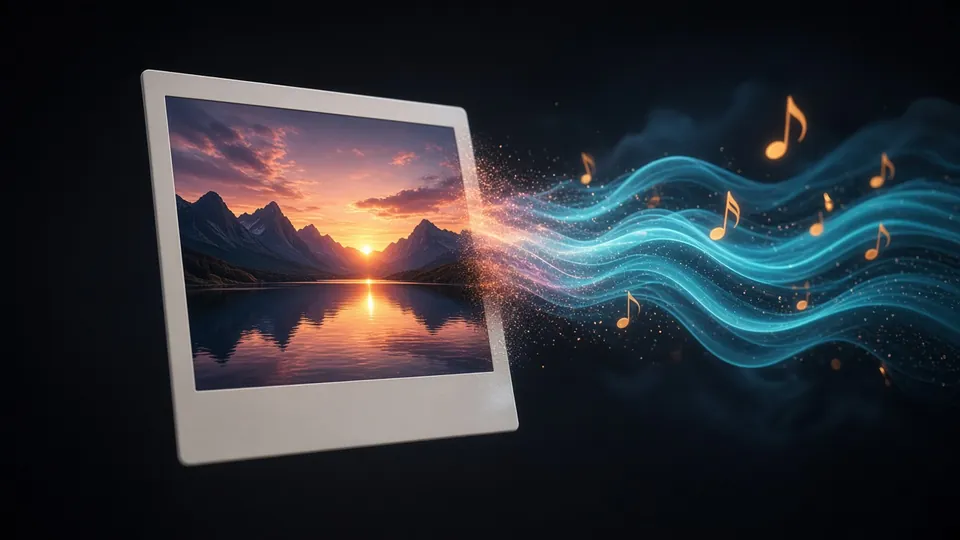
Turn a wedding, birthday or travel photo into a song for someone you love.
Make a soundtrack for a reel or slideshow that matches the photo's mood.
Hear what a painting, illustration or mood board sounds like.
Stuck on a song idea? Let photo to music suggest a direction from a picture.
Two models do the work: a vision model to read the picture and a music model to make the song.
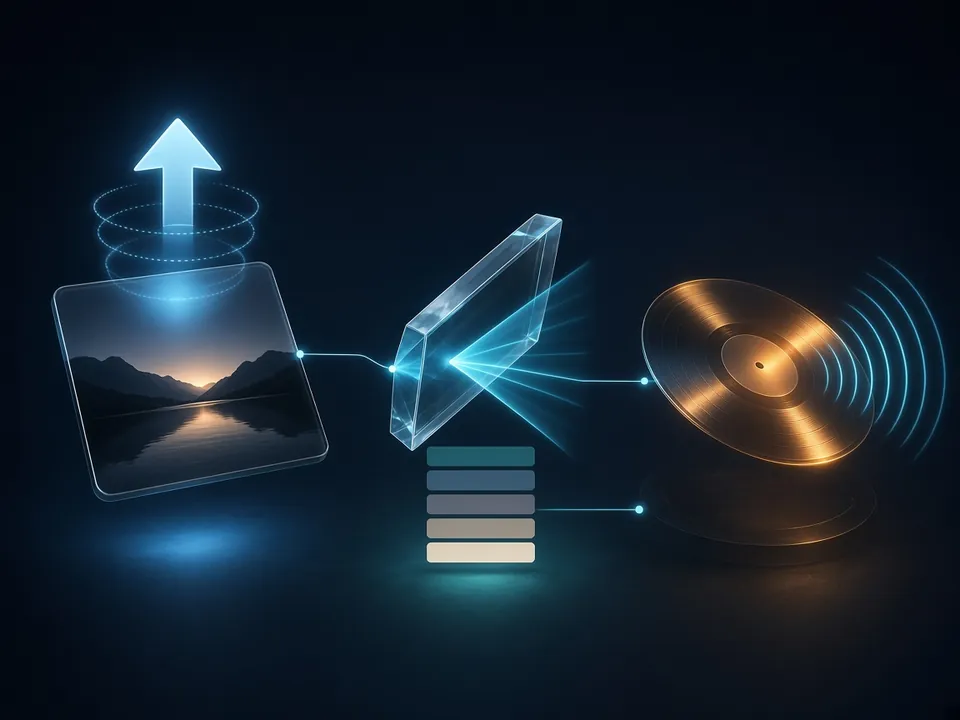
Your photo is uploaded to your private storage after sign-in. Only JPG, PNG and WebP up to 5 MB are accepted.
A vision-capable AI model on the MusicGenerator.so server describes the scene, mood and light as a music prompt, a style and a title. API keys never reach your browser.
The prompt goes to the same AI music engine as the rest of the studio, which returns two complete takes.
Every photo to music result lands in your library, where you can extend, remaster, split stems or publish it.
Landscapes, portraits, food, art or screenshots — the photo to music AI turns each into a musical direction.
Switch between a sung song and background music with one tap before photo to music runs.
See and edit exactly what the photo to music AI wrote before you spend credits.
Each generation returns two versions to pick from.
Save your photo to music track as audio or publish it to the community.
Photos are stored in your own account and are never shown publicly unless you publish.
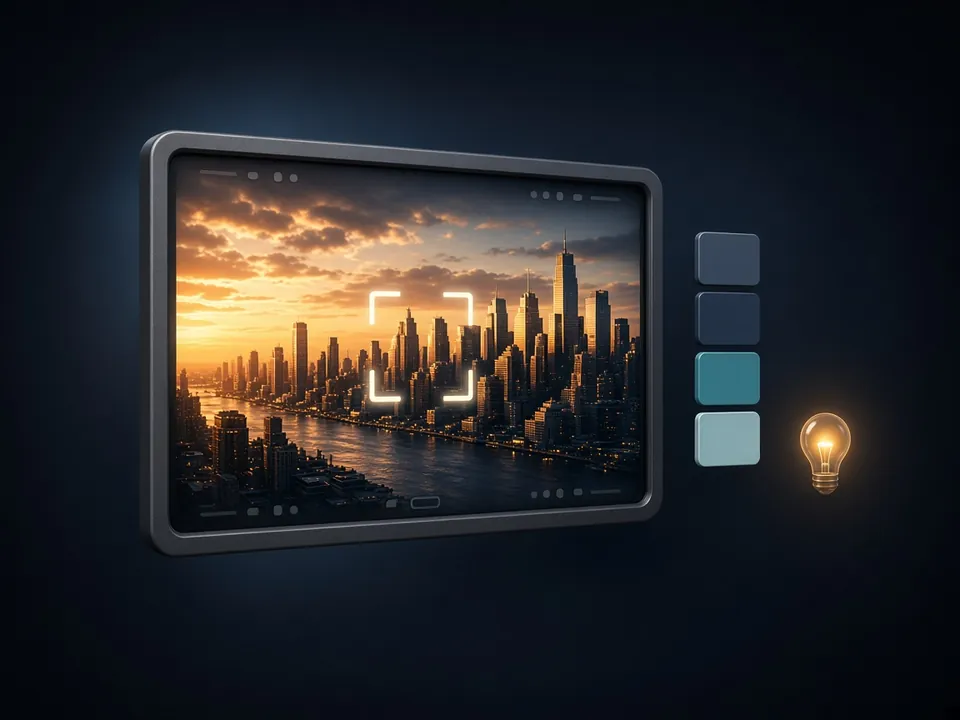
How the main options compare.
| This photo to music AI | Stock music library | Writing a prompt yourself | |
|---|---|---|---|
| Starts from your photo | Yes, automatically | No, you search by keyword | Only what you remember to describe |
| Original track | Yes, newly generated | No, shared by many users | Yes |
| Vocals with lyrics | Yes, or instrumental | Rarely | Yes |
| Time to a first song | About a minute | Depends on searching | A few minutes |
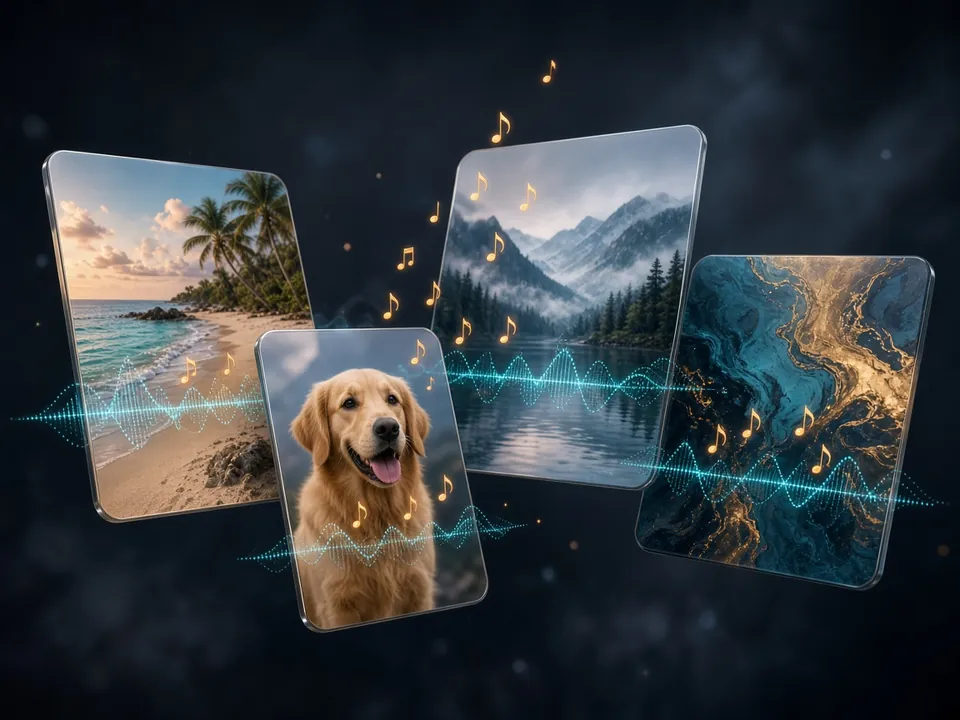
Photo to music is one entry point into the MusicGenerator.so studio. The same account lets you write lyrics with AI, make songs from text, cover songs with AI voices and split any track into stems.
Photo to music output is AI-generated music and may differ from what you expect. Only upload photos you have the right to use.
Upload a picture and let photo to music turn it into a song in about a minute.
Last updated October 2026.