
Pitch Finder: Find the Pitch of Any Note, Voice or Audio File
Press Start and sing, hum or play one note — the pitch finder shows the note name, octave, frequency in Hz and how many cents sharp or flat you are. Or drop in an MP3, WAV, M4A, OGG or FLAC file to watch its pitch while it plays and get a full note timeline. Everything runs in your browser and nothing is uploaded. Free, no sign-up.
Sing or play one steady note
Allow the microphone, then sing, hum, whistle or play one note at a time about 20–30 cm from the mic.
Audio is analysed on your device. Nothing is recorded or uploaded.
Pitch over time · last 10 seconds
How to use the pitch finder in 3 steps
- 1
Pick microphone or audio file
Use the Microphone tab for live singing or playing, or the Audio file tab to check a recording you already have.
- 2
Sing, play or press Play
Hold one clear note near the mic, or play your file. The pitch finder reads the sound about 20 times per second.
- 3
Read the note, Hz and cents
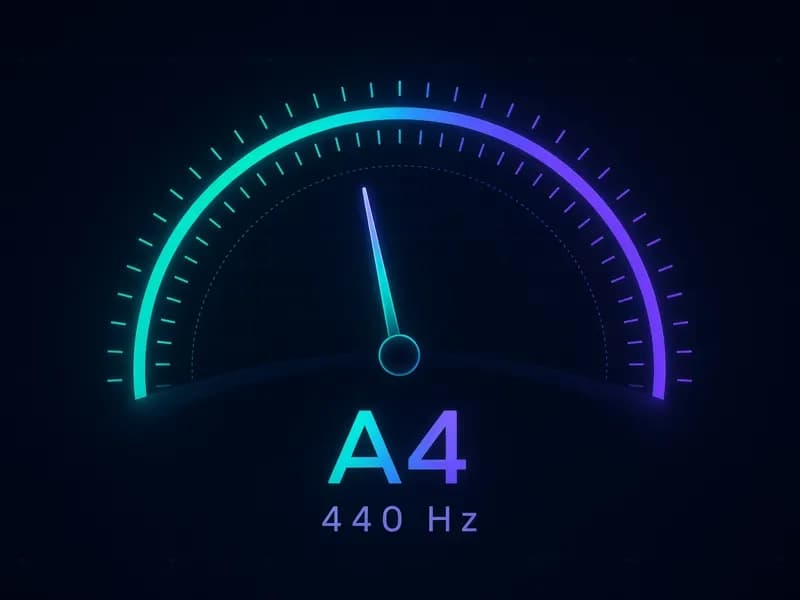
The big letter is the nearest note, the needle shows cents sharp or flat, and the graph draws your pitch over time.
Why use this online pitch finder
A pitch finder that shows more than a letter
Every reading gives the note name, the octave (A4, C5…), the exact frequency in hertz and the deviation in cents, so you know not only which note you hit but how close you are to its centre.
Real-time pitch detection with a tuner needle
The needle stays centred and turns green within ±5 cents. Drift to the right and you are sharp, to the left and you are flat — the same logic as a chromatic tuner, but for any voice or instrument.
Find the pitch of an audio file, not just the mic
Upload a vocal take, a voice memo or a solo melody. Watch the pitch finder follow it as it plays, or analyse the whole file for a pitch curve, a note timeline, your lowest and highest notes and the notes used most.
Private by design, nothing to install
The pitch finder is a web page, not an app. Detection runs locally in your browser with WebAssembly; your voice and your files never leave your device.
Who it’s for
Singers
Check you land on pitch, hold a note steady and map your vocal range from lowest to highest note.
Instrumentalists
Use the pitch finder as a chromatic tuner for guitar, violin, flute, horn or any instrument that plays one note at a time.
Producers & beatmakers
Find the pitch of a vocal sample, an 808, a hum or a melody idea before you tune it or write around it.
Teachers & students
Show pitch accuracy on screen during lessons, and practise ear training by singing a note and checking it.
What is a pitch finder?
A pitch finder is a tool that listens to a sound and tells you its pitch — how high or low it is. Physically, pitch is the fundamental frequency of the sound, measured in hertz (Hz). Musically, the pitch finder names the nearest note in equal temperament, using A4 = 440 Hz as the reference.
Because notes are 100 cents apart, the pitch finder also reports how many cents above or below the note you are. A reading of A4 +12 means you are slightly sharp of A; C5 −30 means you are noticeably flat of C. That makes an online pitch finder useful both as a note detector and as a pitch checker for intonation.
How the pitch finder works
Sound from your microphone or file is split into short frames of about 46 ms. For each frame the pitch finder measures the loudness (RMS) and ignores silence and background noise below a threshold. Loud frames go to the aubio pitch detector (the YIN-FFT method), compiled to WebAssembly so it runs at full speed in the browser. The detected frequency is converted to the nearest note, octave and cents and drawn on the needle and on the pitch graph. Short glitches are filtered out, so the display only changes when two consecutive frames agree.

How to find pitch with your microphone
- 1
Open the Microphone tab and press Start pitch finder. Allow microphone access when your browser asks.
- 2
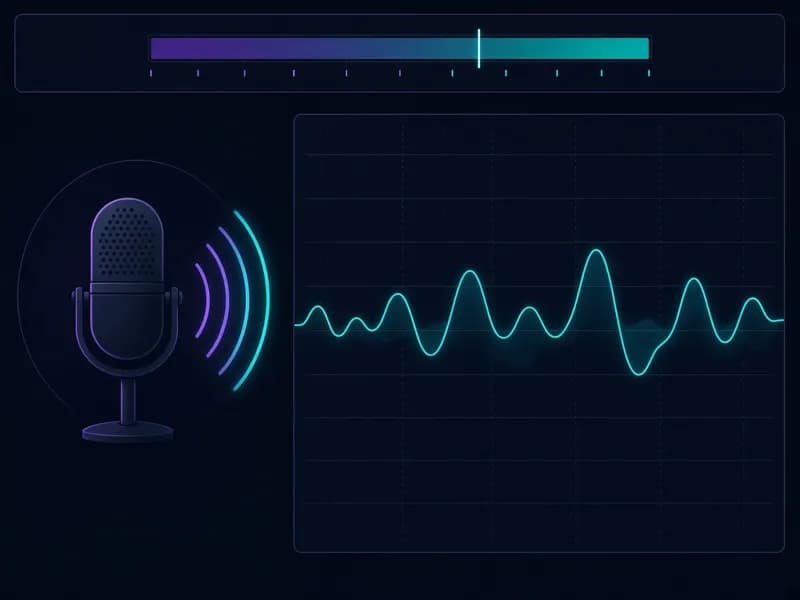
Sing, hum, whistle or play one note at a time. Keep about 20–30 cm from the mic in a quiet room.
- 3
Read the note and octave, the frequency in Hz and the needle. Aim for the green zone within ±5 cents.
- 4
Watch the scrolling graph to see whether your pitch wobbles, slides into the note or drifts over time. Press Stop when you are done.
How to find the pitch of an audio file
- 1
Open the Audio file tab and choose an MP3, WAV, M4A, OGG or FLAC file (up to 50 MB).
- 2
Press Play with live pitch: the pitch finder reads the recording as it plays and draws the pitch in real time.
- 3
Press Analyse whole file to scan the first 10 minutes in one go. You get a pitch curve of the whole file and a note timeline.
- 4
Check the summary — lowest note, highest note, range in semitones and most frequent notes. Click the curve or a row to jump to that moment.
Pitch finder features
Note, octave, Hz and cents
A complete reading for every note, from deep bass around 40 Hz up to high soprano and whistle notes around 2,500 Hz.
Scrolling pitch graph
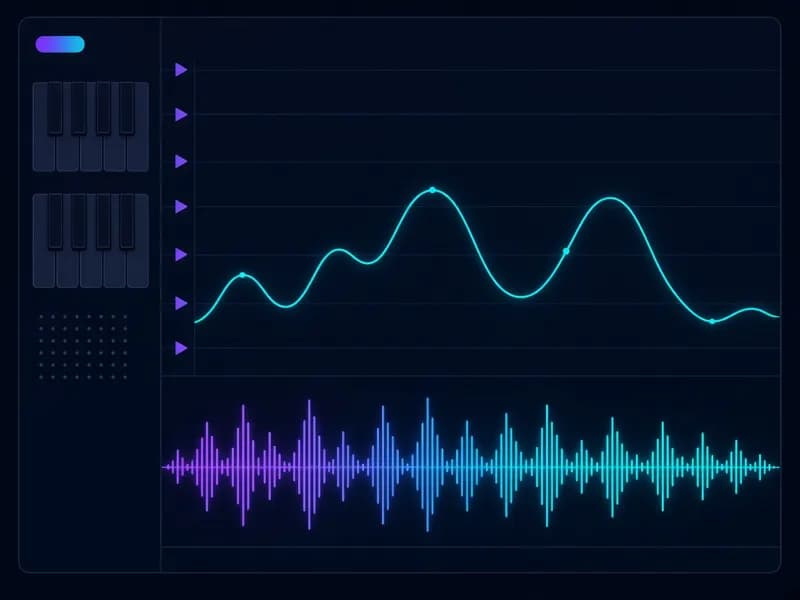
See the last 10 seconds of pitch on piano-key lanes: vibrato, slides and drift become visible.
Audio file pitch detector
Live pitch during playback plus a whole-file analysis with a pitch curve and note timeline.
Range and most used notes
The pitch finder lists your lowest and highest note, the range in semitones and the notes held longest.
Private and offline-friendly
Detection runs on your device with WebAssembly. No recording, no upload, no account.
Works on any device
Desktop or mobile, in current Chrome, Edge, Firefox and Safari. Nothing to install.
Pitch vs key: what’s the difference?
A pitch finder tells you the note you are singing right now. A key describes the whole song. They are related but not the same thing.
| Pitch | Key | |
|---|---|---|
| What it is | One sound’s frequency, e.g. 440 Hz | The scale and home note a song is built on |
| Example | A4, C#5, G2 + cents | A minor, E♭ major |
| Changes | From note to note, many times a second | Usually stays the same for a whole song |
| Tool | Pitch finder / pitch detector | Key finder (uses the notes found over time) |
Tip: analyse a file with the pitch finder and look at the most frequent notes — the top one or two are often the home note (tonic) or the fifth of the song’s key.

Tips for accurate pitch readings
- One note at a time: chords, full mixes and two voices at once can’t be read as a single pitch.
- Get close and keep it quiet: 20–30 cm from the mic, away from fans, TVs and echoey rooms.
- Use headphones when you sing along to a backing track, so the track doesn’t leak into the mic.
- For songs, analyse an isolated vocal: run the track through a vocal remover first for a clean pitch curve.
- Hold the note for a second. Very short or breathy notes may show no reading — that’s the silence filter working.
- If a note jumps exactly one octave, the note name is still right; that is a common harmonic effect in any pitch finder.
Found your pitch? Make a song with MusicGenerator.so
Once you know your range and your strongest notes, turn them into music. MusicGenerator.so is an AI music generator that writes and sings full songs from a prompt or your own lyrics — in any genre, with vocals or as an instrumental.
Open the AI Music GeneratorFrequently asked questions
More free AI music tools
Find your pitch, then make the song
Use the pitch finder to learn your notes and range, and MusicGenerator.so — the AI music generator — to turn them into a full track.
Last updated October 2026.